
Download tl;dv – AI‑Powered Meeting Documentation Tool for Secure, Automated Transcripts
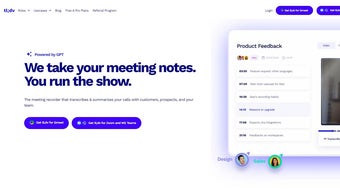
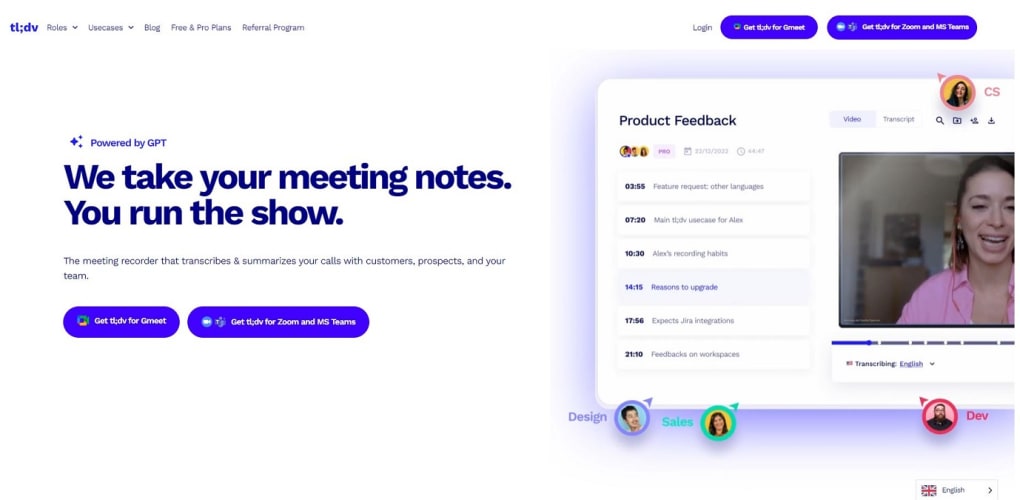
tl;dv is a freemium business‑productivity web app that re‑imagines meeting documentation. By automatically recording, transcribing, and indexing every conversation, the platform lets teams focus on discussion instead of frantic note‑taking. Integrated with Zoom, Google Meet, and Microsoft Teams, tl;dv captures high‑quality video and audio, detects speakers, and offers instant highlights that can be shared across Notion, Slack, Salesforce, and more. With support for over 30 languages and AI‑driven speaker identification, tl;dv strives to make hybrid‑remote work frictionless while still delivering the security and reliability modern enterprises demand.
Key Features That Transform How Teams Capture Meetings
- One‑Click Recording & Transcription: Start a capture with a single click; AI instantly produces searchable text in the meeting’s language.
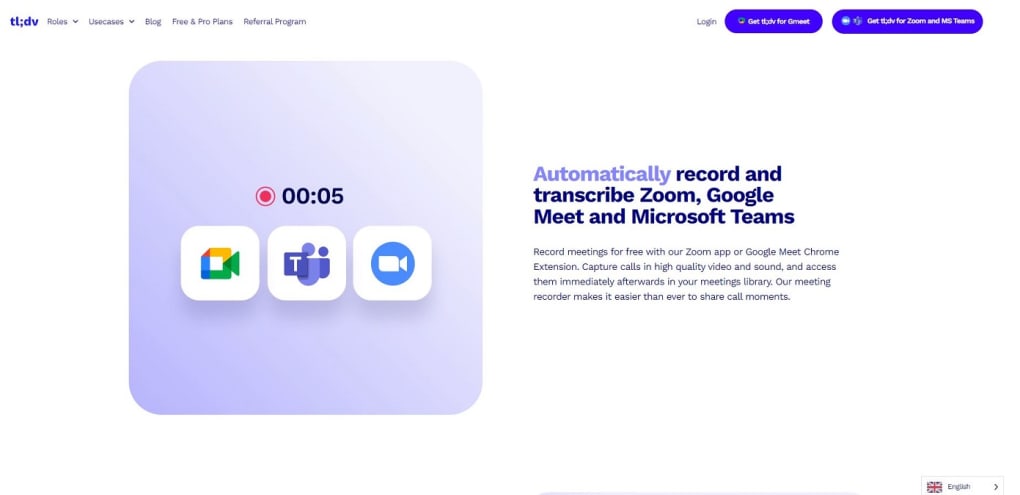
- Multi‑Platform Compatibility: Native extensions for Zoom, Google Meet, and Microsoft Teams ensure no extra steps for participants.
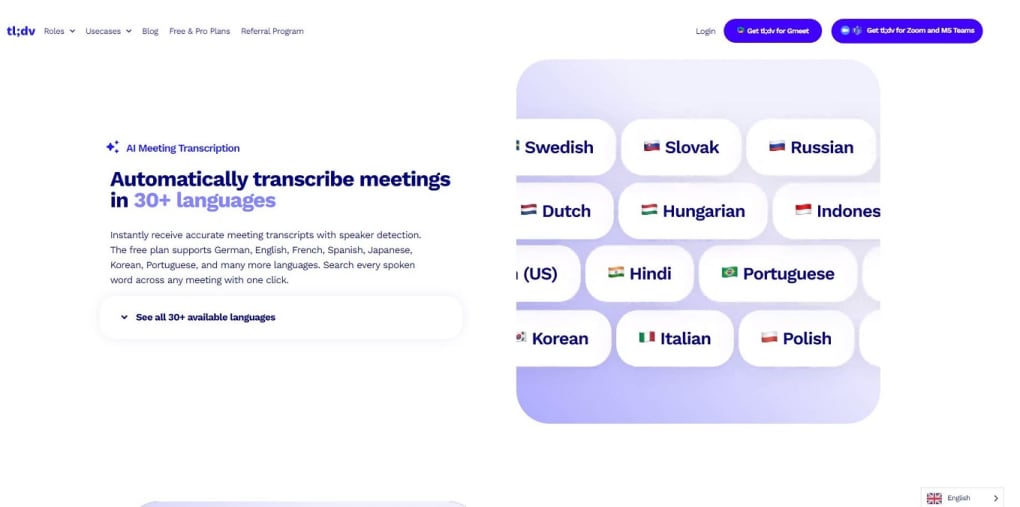
- 30+ Language Support: Automatic transcription in more than thirty languages, allowing global teams to work in their native tongue.
- Speaker Detection & Attribution: AI distinguishes each participant, tagging remarks to the correct speaker for precise minutes.
- Highlight Snippets & Video Clips: Trim and share key moments in seconds, perfect for client updates or internal reviews.
- Meetings Library & Search: All recordings and transcripts are stored in a searchable library, accessible anytime.
- Seamless Integrations: Push summaries and clips directly to Notion, Google Docs, Slack, Salesforce, HubSpot, and other productivity suites.
- Security & Compliance: End‑to‑end encryption, GDPR‑ready storage, and role‑based access controls protect sensitive corporate data.
- Free Tier + Premium Add‑Ons: Unlimited recordings for basic plans; premium adds advanced analytics, custom branding, and priority support.
- Continuous AI Updates: Frequent model improvements reduce transcription errors and expand language coverage.
Step‑by‑Step Installation and Daily Usage Guide
Getting tl;dv up and running is designed to be as painless as its core promise of “no‑note‑taking.” Follow these steps to start capturing meetings immediately:
- Create an Account: Visit tl;dv.com and sign up with your work email or Google account. The free tier requires only basic information and a password.
- Install Browser Extensions: After registration, you’ll be prompted to add the tl;dv extension for Chrome, Edge, or Firefox. Click “Add to Browser” and grant the required permissions for screen and microphone access.
- Connect Conferencing Platforms: In the dashboard, navigate to “Integrations” and authorize tl;dv to access Zoom, Google Meet, or Microsoft Teams. Authentication uses OAuth, so you never share credentials directly with tl;dv.
- Configure Recording Settings: Choose default language, enable speaker detection, and set retention policies (e.g., 30‑day automatic deletion for free accounts). Premium users can customize retention indefinitely.
- Start a Meeting: Join a Zoom/Meet/Teams call as usual. Click the tl;dv icon in the meeting toolbar, then hit “Record.” The AI begins capturing audio/video and will generate a live transcript visible in a side panel.
- Review & Share Highlights: Once the call ends, tl;dv automatically saves the recording and transcript. Use the “Highlights” tab to add timestamps, extract clips, or export a summary PDF.
- Distribute to Your Workflow: With one click, push the final notes to Notion, Slack, or your CRM. The integration preserves formatting, speaker tags, and timestamps for seamless follow‑up.
For mobile users, tl;dv offers iOS and Android apps that sync with the web dashboard, allowing you to review recordings on the go. Regular updates are pushed automatically; the platform notifies you of major AI model upgrades via email or in‑app banners.
Compatibility, Operating Systems, and a Balanced Look at Pros & Cons
tl;dv runs natively in any modern web browser on Windows 10/11, macOS 10.15+, Chrome OS, as well as on iOS 13+ and Android 8+. The backend is cloud‑based, meaning no heavy local installation is required, and the service works across corporate VPNs and remote networks.
Pros
- Zero‑effort recording – one click eliminates manual note‑taking.
- AI‑driven transcription in 30+ languages boosts global collaboration.
- Robust integrations keep information flowing to existing tools.
- Secure, encrypted storage meets enterprise compliance standards.
- Free tier sufficient for small teams; premium scaling is affordable.
Cons
- Transcription accuracy can dip with heavy accents or overlapping speech.
- Free plan limits storage duration (30 days) and advanced analytics.
- Reliance on internet connectivity – offline recording is not supported.
- Initial setup of integrations may require admin permissions in large orgs.
- AI model updates occasionally change UI layout, requiring a brief learning curve.
Frequently Asked Questions (FAQ)
Is tl;dv free to use for small teams?
Yes. The free tier offers unlimited recordings, basic transcription in the selected language, and integration with Zoom, Google Meet, and Microsoft Teams. Recordings are stored for 30 days, after which they are automatically purged.
How accurate are the AI transcriptions?
Accuracy typically exceeds 92 % for clear audio in supported languages. Accents, background noise, or multiple speakers talking simultaneously can reduce precision, but the platform continuously learns and improves with each update.
Can I export a transcript to a PDF or Word document?
Yes. After a meeting ends, click “Export” in the transcript view and choose PDF, DOCX, or plain text. The export includes speaker labels, timestamps, and any highlights you added during the session.
Does tl;dv comply with GDPR and other data‑privacy regulations?
tl;dv is GDPR‑ready, employing end‑to‑end encryption, data residency options for EU customers, and detailed audit logs. Users can also delete recordings on demand to meet “right to be forgotten” requests.
What happens if my internet connection drops during a recording?
If the connection is lost, tl;dv temporarily buffers locally and resumes uploading once the network is restored. However, extended outages may cause the session to end prematurely, so a stable connection is recommended for critical meetings.
Overall Verdict: tl;dv delivers a compelling blend of AI transcription, multi‑platform integration, and secure storage that makes it a standout choice for modern teams. While occasional transcription hiccups exist, the productivity gains far outweigh the minor drawbacks. For organizations looking to streamline meeting documentation without sacrificing compliance, tl;dv is a worthy investment.
Ready to eliminate manual note‑taking and boost meeting efficiency? Download tl;dv today and experience AI‑powered meeting documentation for free. Upgrade to Premium anytime to unlock advanced analytics, extended storage, and priority support.



.png)



